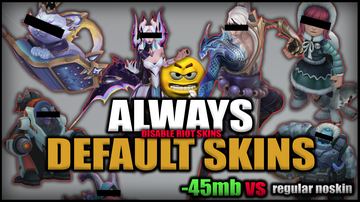
Riot Skin Disabler (NoSkin)
by Moga · 19.4k installs
verified working
 Chud
Chud
by Moga · 19.4k installs
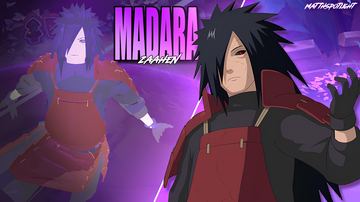
by matth · 14.9k installs
by ceerel · 8.2k installs
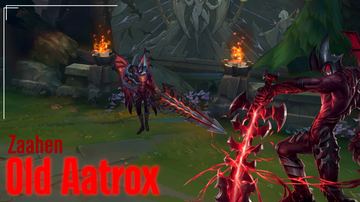
by p1mek · 4.7k installs
by Laiker · 4.5k installs
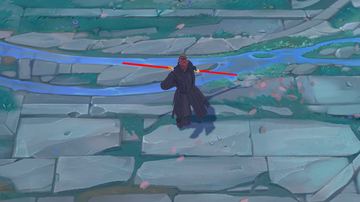
by yigitvercetti · 4.2k installs

by p1mek · 2.7k installs
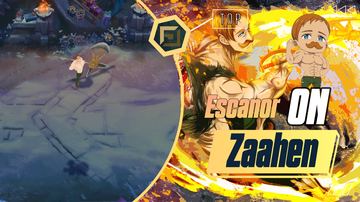
by YoutZo · 2.3k installs
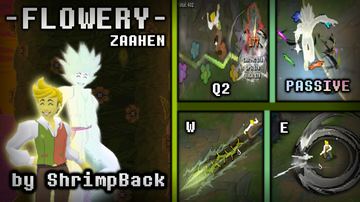
by ShrimpBack · 2.0k installs
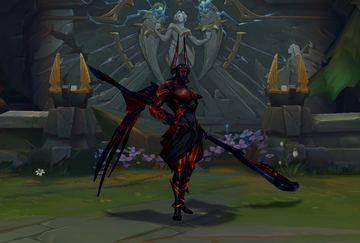
by aluna · 1.4k installs
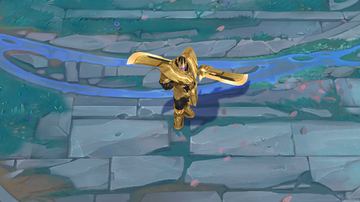
by yigitvercetti · 1.4k installs
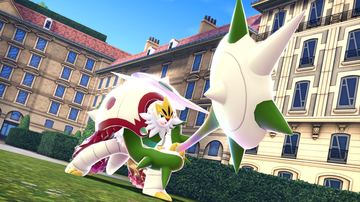
by Blaster · 1.3k installs
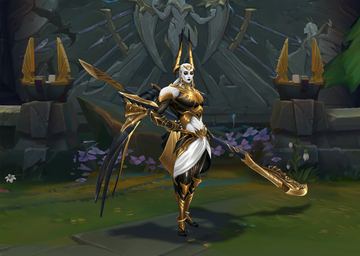
by aluna · 1.3k installs
by YoutZo · 1.2k installs
by Aropatnik · 1.1k installs
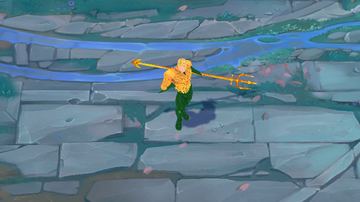
by yigitvercetti · 925 installs
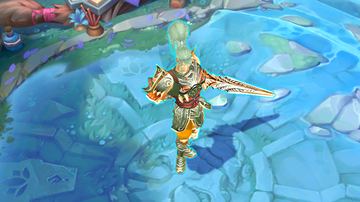
by yigitvercetti · 677 installs
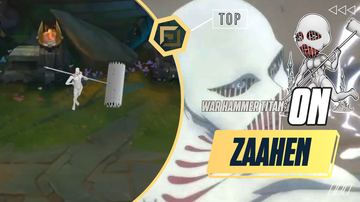
by YoutZo · 512 installs
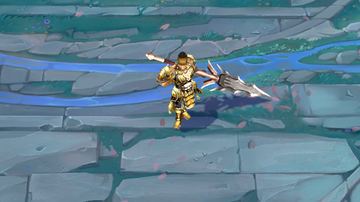
by yigitvercetti · 490 installs
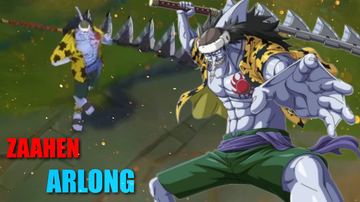
by YoutZo · 111 installs
Chud finds the running League client by itself and connects over the local League client API — nothing to configure.
Search for Zaahen and click install on any skin. No accounts, no manual files.
Your install shows up automatically on Zaahen’s “Your mods” row in champ select.
Lock in Zaahen, open the Skins grid, and pick the mod you installed.
Custom skins are against Riot's ToS. Chud has no ranked-mode lockout and runs heuristic ModScan checks before Library installation, but that isn't the same as ban-proof — nothing is. Full honest answer in the FAQ.
Often, yes — every League patch can change the game files mods target, so skins commonly break until the patcher and the mod itself catch up. Chud re-checks League Toolkit's patcher daily; if you are coming from CSLOL Manager, the error-by-error guide covers the rest.
Yes. Library mods are standard .fantome packages, the same format CSLOL Manager and LTK Manager install, and Chud applies them with League Toolkit's patcher. File locations and formats are in the docs, and the tools are compared in CSLOL Manager alternatives.