Chud
Join the Discord Download
11 FREE MODS

Vladimir custom skins

11 free, community-made Vladimir skins in the Chud Library. Top contributors: NewDami, YoutZo, Aropatnik. Most common themes: anime and meme. Together these mods have 56.8k installs.

11 MODS
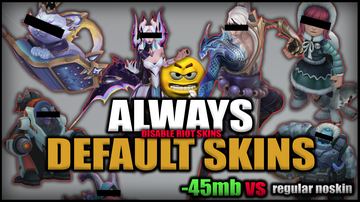
Riot Skin Disabler (NoSkin) — Vladimir custom skin

Riot Skin Disabler (NoSkin)

by Moga · 19.4k installs

verified working
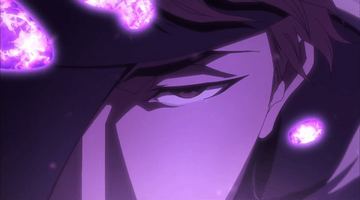
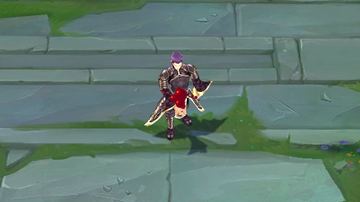
Aizen Sosuke - Vladimir — Vladimir custom skin

Aizen Sosuke - Vladimir

by Kesa · 8.4k installs

verified working
Hololive Yozora Mel Vladimir — Vladimir custom skin

Hololive Yozora Mel Vladimir

by PoonNotaniShisui · 8.0k installs

animeverified working
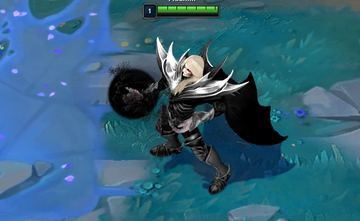
Vladimir Dark Lord and Base Dark — Vladimir custom skin

Vladimir Dark Lord and Base Dark

by NewDami · 7.9k installs

verified working
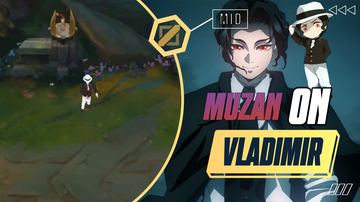
Vladimir Muzan — Vladimir custom skin

Vladimir Muzan

by YoutZo · 3.2k installs

animeverified working
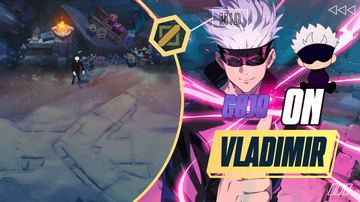
Vladimir Gojo — Vladimir custom skin

Vladimir Gojo

by YoutZo · 3.0k installs

animeverified working
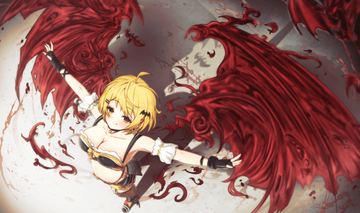
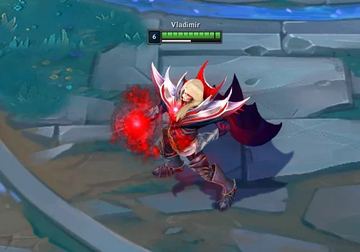
Vladimir Blood Lord 2.0 Colorful  — Vladimir custom skin

Vladimir Blood Lord 2.0 Colorful

by NewDami · 2.3k installs

verified working
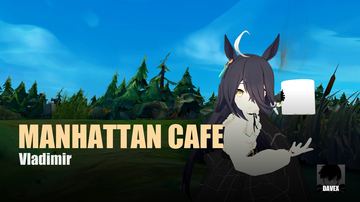
Manhattan Cafe Vladimir from Uma Musume Pretty Derby — Vladimir custom skin

Manhattan Cafe Vladimir from Uma Musume Pretty Derby

by davex · 1.9k installs

animememeverified working
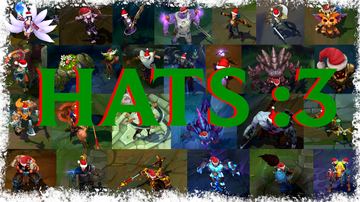
League of Merry Legends: Jolly Hats Edition (PC) — Vladimir custom skin

League of Merry Legends: Jolly Hats Edition (PC)

by Aropatnik · 1.1k installs

verified working
Muted Voicelines — Vladimir custom skin

Muted Voicelines

by Aropatnik · 929 installs

verified working
Metin2 Vladimir — Vladimir custom skin

Metin2 Vladimir

by yigitvercetti · 618 installs

verified working
HOW TO INSTALL

How to install a Vladimir custom skin

01 / INSTALL CHUD

Install Chud, then start League

Chud finds the running League client by itself and connects over the local League client API — nothing to configure.

02 / OPEN THE LIBRARY

Open the Library tab

Search for Vladimir and click install on any skin. No accounts, no manual files.

03 / YOUR MODS ROW

It lands on your mods row

Your install shows up automatically on Vladimir’s “Your mods” row in champ select.

04 / CHAMP SELECT

Pick it in champ select

Lock in Vladimir, open the Skins grid, and pick the mod you installed.

GOOD TO KNOW

Is a custom Vladimir skin bannable?

Custom skins are against Riot's ToS. Chud has no ranked-mode lockout and runs heuristic ModScan checks before Library installation, but that isn't the same as ban-proof — nothing is. Full honest answer in the FAQ.

Do Vladimir skins break on patch day?

Often, yes — every League patch can change the game files mods target, so skins commonly break until the patcher and the mod itself catch up. Chud re-checks League Toolkit's patcher daily; if you are coming from CSLOL Manager, the error-by-error guide covers the rest.

Can I use these with CSLOL Manager?

Yes. Library mods are standard .fantome packages, the same format CSLOL Manager and LTK Manager install, and Chud applies them with League Toolkit's patcher. File locations and formats are in the docs, and the tools are compared in CSLOL Manager alternatives.

MORE CHAMPIONS
Yasuo68 mods Katarina62 mods Darius59 mods Sett56 mods Yone47 mods Talon41 mods Kai'Sa18 mods Master Yi24 mods Elise6 mods Gwen38 mods Janna8 mods Ornn6 mods All champions→

Need the app first?

Chud 5.3.13 · Windows 10/11 x64 · Administrator prompt on launch.

Download ChudJoin the Discord